
Invoicing Software For Deposits and Partial Payments
Many businesses do not get paid in one go. They take advance payments, split invoices, or collect money in stages.
This is where invoicing software that supports deposits and partial payments becomes useful. It helps you manage billing without confusion and keeps payments organized.
What Deposits and Partial Payments Mean
Before choosing a tool, understand the basics.
Deposit means collecting a part of the payment upfront
Partial payment means splitting the total invoice into smaller payments
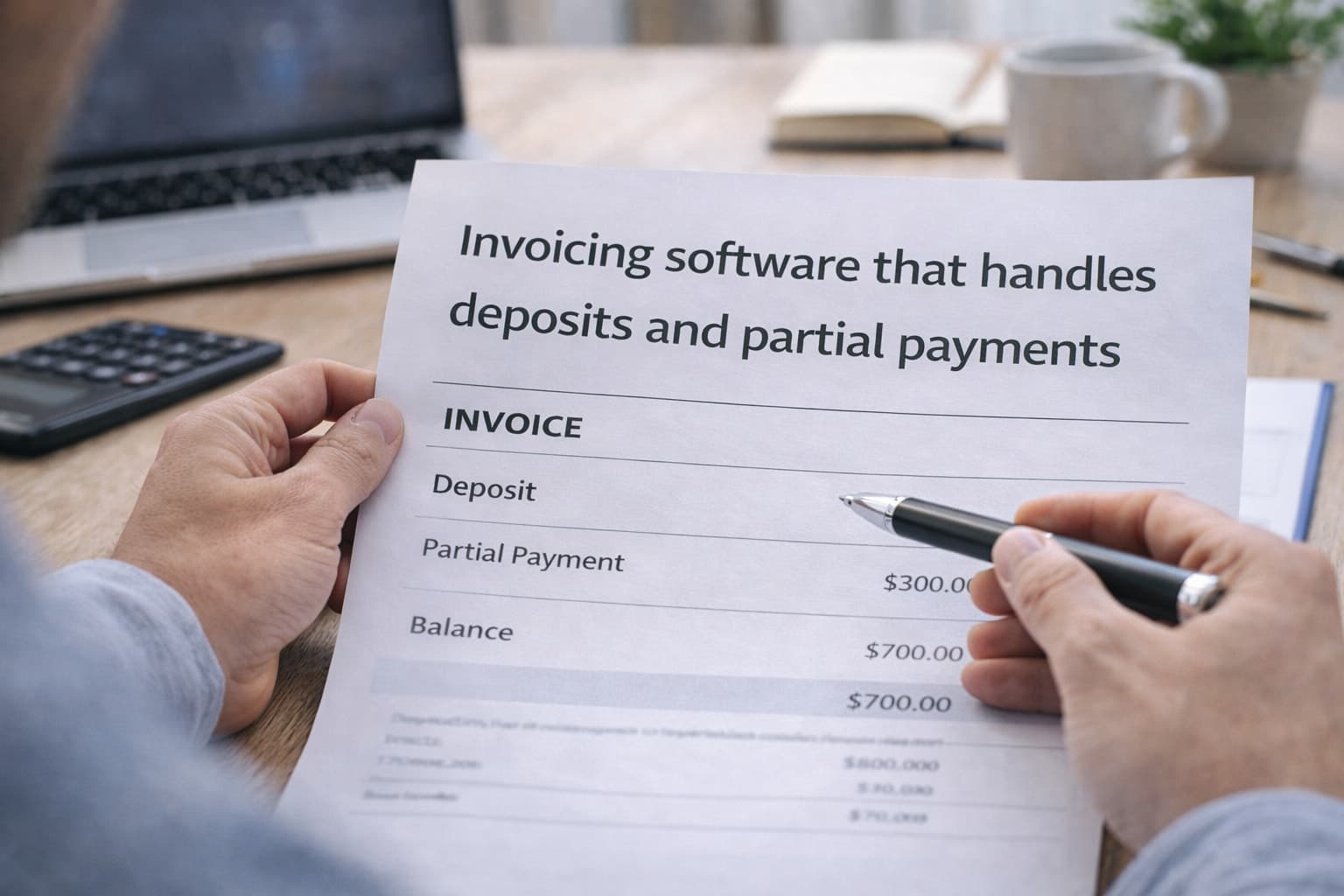
For example:
A freelancer charges 1000 dollars
Client pays 300 dollars as a deposit
Remaining 700 dollars is paid later
Good invoicing software tracks all of this clearly.
Why Businesses Need This Feature
Handling payments in parts is common today. Here is why businesses rely on invoicing software for this:
Improves cash flow
Reduces risk of unpaid work
Keeps payment records clear
Builds trust with clients
Helps manage large projects
Without proper tracking, partial payments can create confusion.
Key Features to Look For
Must Have Features
Ability to request deposits upfront
Split invoice into multiple payments
Automatic balance tracking
Payment reminders for pending amounts
Integration with payment gateways
The right invoicing software should make this process simple.
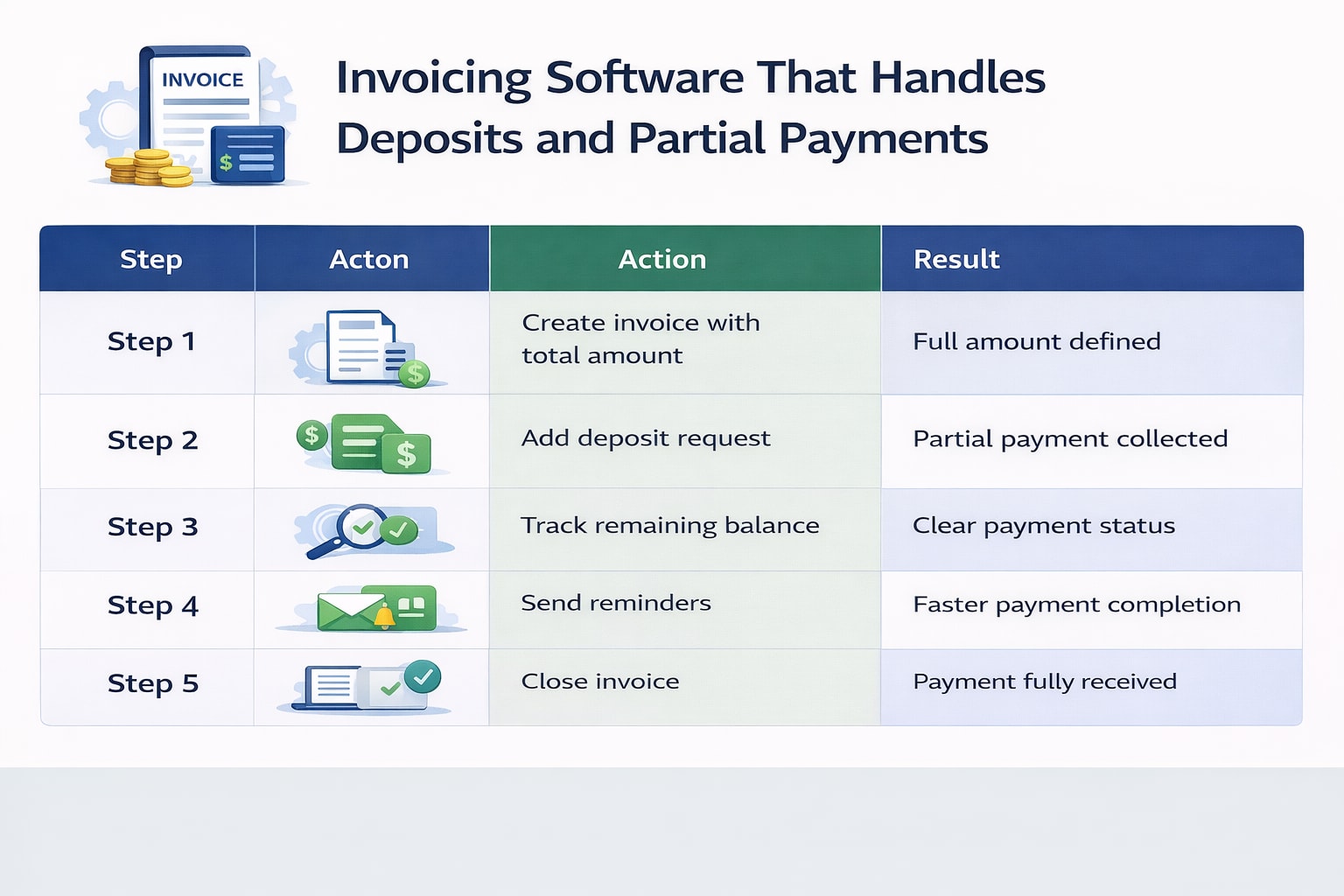
How It Works in Practice
Step | Action | Result |
|---|---|---|
Step 1 | Create invoice with total amount | Full amount defined |
Step 2 | Add deposit request | Partial payment collected |
Step 3 | Track remaining balance | Clear payment status |
Step 4 | Send reminders | Faster payment completion |
Step 5 | Close invoice | Payment fully received |
What Users Say Online
From Reddit and Quora discussions:
Many freelancers prefer upfront deposits for safety
Partial payments help manage long projects
Users want clear tracking without manual work
Simplicity is the most requested feature
This is why invoicing software with these features is in demand.
Common Mistakes to Avoid
Not Setting Clear Payment Terms
Clients should know how payments are structured.
Using Manual Tracking
Spreadsheets often lead to errors.
Ignoring Reminders
Late payments increase without follow ups.
Choosing Basic Tools
Not all invoicing software supports partial payments.
How to Choose the Right Invoicing Software
Follow this simple process:
Check if deposits and split payments are supported
Test how balance tracking works
Review reminder and notification features
Ensure payment gateway integration
Choose tools that are easy to use
The right invoicing software should reduce confusion, not add to it.
Benefits of Using the Right Tool
Better cash flow management
Clear payment tracking
Less manual work
Faster payments
Improved client experience
Frequently Asked Questions
What is invoicing software with partial payments?
It allows businesses to split invoices into multiple payments and track each one easily.
Can freelancers use deposit based invoicing?
Yes, many freelancers use deposits to secure projects before starting work.
Does invoicing software track remaining balance?
Yes, most modern tools show paid and pending amounts clearly.
Is deposit invoicing better for cash flow?
Yes, it ensures businesses receive some payment upfront and maintain steady cash flow.
Related Posts
Would You Pay for Invoicing Software That Improves Workflow
Would you pay for invoicing software that fits your workflow? Learn when it is worth paying, what features matter, and how to choose the right tool.
Invoicing Software to Manage Invoices and Payments
What do you use to manage invoices and track payments? Compare tools, features, and simple ways to stay organized with the right invoicing software.